API for Word Counting: Automate Accurate Word Analysis
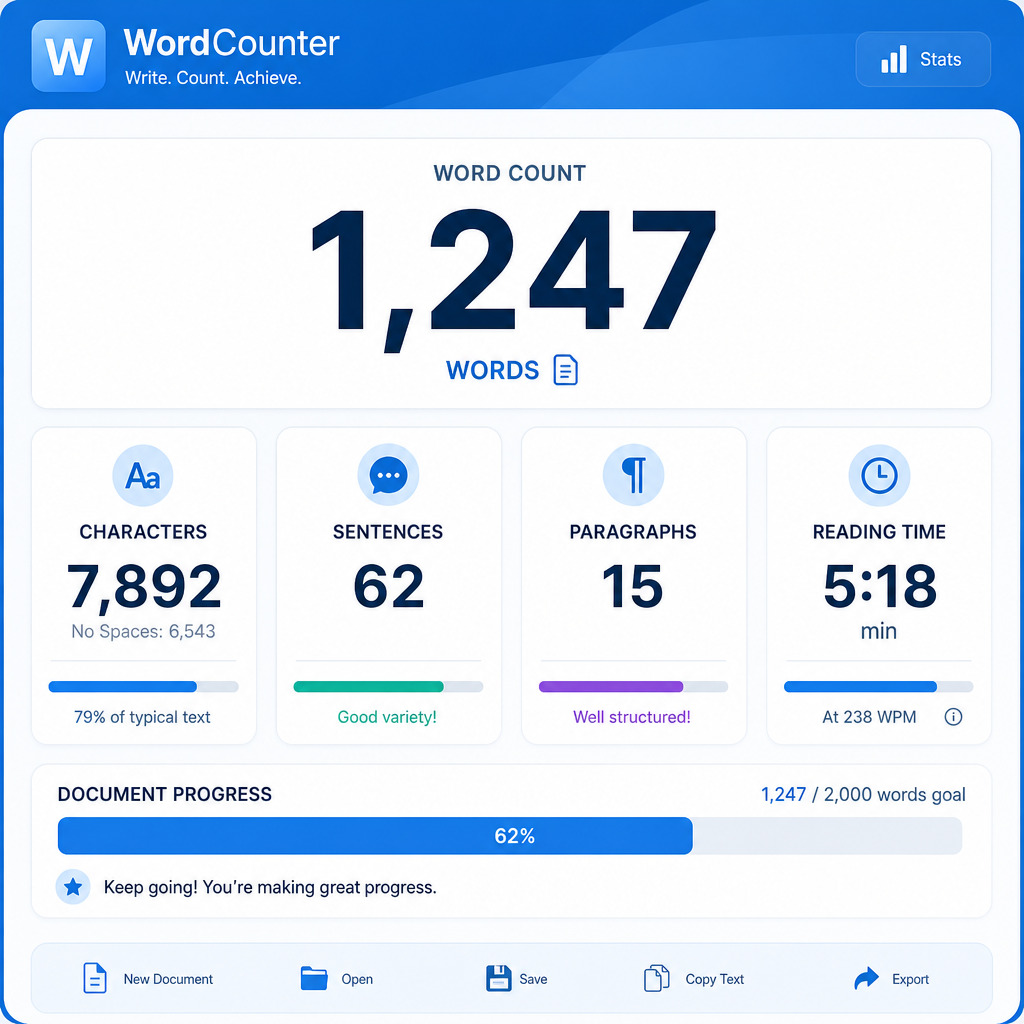
Speed and accuracy matter in content creation, SEO and digital marketing. If you're tired of manually tallying up word counts for audits, briefs or reporting, automating the task with a word counting API could be the solution you need. In this guide, you'll learn how a word count API works, where it fits in your workflow, and how to get started with real examples.
What Is a Word Counting API?
A word counting API is an online service that automatically counts the number of words in a given text, document, or website. Instead of copying and pasting content into a tool, you send text or a URL to the API, and it quickly returns the word count — perfect for bulk analysis or integrating into content tools.
Typical use cases include:
Why Automate Word Counting?
Manual word counting is inefficient, especially at scale. Whether you're a content manager, developer, or SEO, automating word count offers several advantages:
How Does a Word Counting API Work?
Most word counting APIs follow a simple process:
Here's a basic example using a fictional API endpoint:
`http
POST /api/wordcount
{
"text": "The quick brown fox jumps over the lazy dog."
}
`
Response:
`json
{
"word_count": 9
}
`
If you're interested in trying it out for free, check out the Online Word Counter tool from KeywordNumbers.
Worked Example: Analysing Content in Metric and Imperial Contexts
Suppose you run a blog reviewing running shoes, and your editorial guidelines require articles to be between 1,000 and 1,500 words. You want to check if a new review about a shoe's weight and dimensions (using both metric and imperial units) meets the requirement.
Sample Content (Excerpt)
"The X-Speed Runner weighs just 250 grams (8.8 ounces) and measures 27 centimetres (10.6 inches) heel to toe."
API Request
Send the text to the API:
`json
{
"text": "The X-Speed Runner weighs just 250 grams (8.8 ounces) and measures 27 centimetres (10.6 inches) heel to toe."
}
`
API Response:
`json
{
"word_count": 21
}
`
You can batch process multiple reviews this way, ensuring every article meets your guidelines, regardless of whether the measurements are in grams or ounces, centimetres or inches.
Where to Use a Word Counting API in Your Workflow
Comparing Manual vs API Word Counting
| Method | Speed | Scalability | Accuracy | Integration |
|---|---|---|---|---|
| Manual | Slow | Low | Medium | None |
| API | Instant | High | High | Easy |
How to Get Started with a Word Counting API
Questions people are actually asking
What counts as an API call?
An API call is a single request sent from your application to the API. Each time you send text or a URL for word counting and receive a response, that counts as one API call. Usage limits are often based on the number of calls per day or month.
How to make word count?
To make a word count, you can either copy your text into a manual tool (like a word processor or online word counter), or use an API to automate the process. With an API, you send the text or URL, and the API returns the word count instantly.
How to get a word count?
You can get a word count by:
How to count words on a website?
Use a word counting API that accepts URLs, or use browser extensions and tools that extract text from web pages. Some APIs can crawl multiple pages and return word counts for each, ideal for audits or competitor analysis.
How to determine word count?
Word count is determined by splitting the text into words, usually by spaces and punctuation, and counting the resulting items. Automated tools and APIs handle this for you, ensuring consistency and accuracy across different content types.
How to use word count in Word?
In Microsoft Word, you'll find the word count at the bottom of the screen or by going to the 'Review' tab and clicking 'Word Count'. It shows the total number of words, characters, and sometimes other stats for your document or selection.
How to count words on a webpage?
You can use an online tool where you paste the page's content, or use a word counting API that allows you to submit a webpage URL for automatic word counting. This saves time when analysing multiple pages.
Conclusion
Automating word analysis with a word counting API is a smart move for content managers, SEOs and marketers who value efficiency and accuracy. Whether you’re auditing your own site, enforcing editorial standards, or running competitor checks, an API streamlines the process. Ready to try it? Test your text or URLs now with the free word counter and API from KeywordNumbers.
Free tools to put this into practice
Reading is one thing — testing your own pages is what moves the needle. Here are the free KeywordNumbers tools that pair best with this guide:
Every one of our free SEO tools is genuinely free to use, with no sign-up required.
Ready to research your keywords?
Try our free keyword tools — no signup required.