Online Word Counter: Your Secret Weapon for Nailing Word Limits (and Dodging Embarrassment)
Print / Save as PDFInsider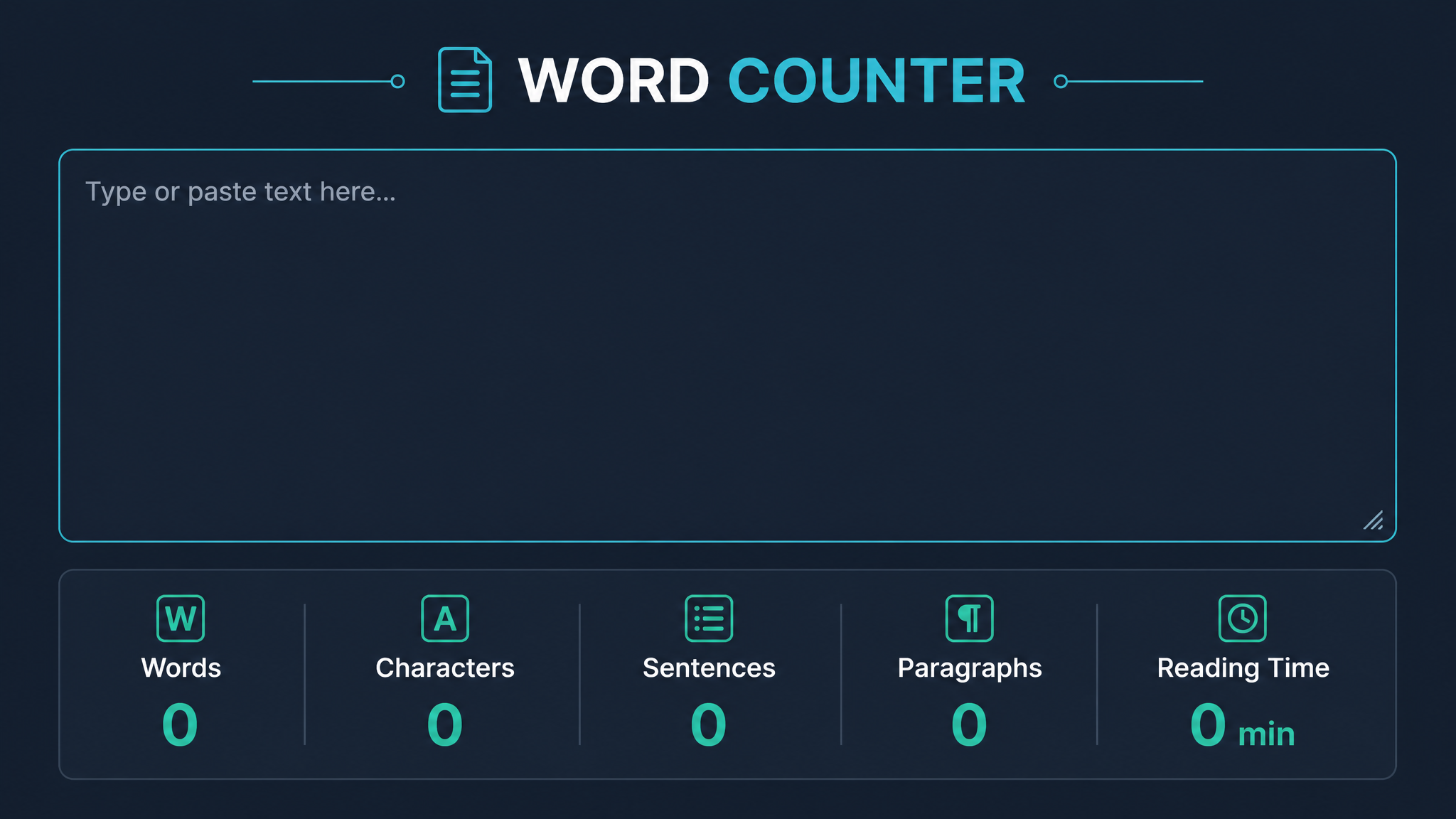
Free ebook: The Free SEO Stack
Keyword research without paying for Ahrefs — the complete guide. Read it online or download the PDF.
100% free · No spam · Unsubscribe any time
Ever sent a pitch-perfect email, essay, or blog post—only to find out you’ve blown past the word limit? Or maybe you’ve tried to eyeball your website’s content and ended up wildly off the mark. Here’s what most people miss: knowing your word count isn’t just about following rules—it’s about making your writing work harder for you.
In this guide, you’ll learn:
Why Word Count Still Matters (Yes, Even in 2024)
Let’s be honest: word limits are like speed limits. Annoying when you’re in a hurry—essential when you want to avoid disaster. Editors, teachers, and Google’s algorithm all love a precise word count. Exceed it, and you’re the literary equivalent of someone reversing up the M1. No exceptions for “but mine’s really good.”
Here’s why keeping tabs on word count is non-negotiable:
In short: knowing your word count is about as fundamental as knowing your own name if you’re writing for the web.
What Is an Online Word Counter?
Think of an online word counter as the chef’s knife in your digital kitchen—swift, precise, and indispensable. It’s a tool that instantly tells you how many words, characters, sentences, or paragraphs you’ve got in your text. Unlike the clunky word count in your word processor (which often skips over web pages entirely), a dedicated online word counter is purpose-built for speed and accuracy.
Key Features You Should Expect
Word Counter vs. Character Counter: What’s the Difference?
Let’s clear this up. A word counter is like a chef’s knife: broad, versatile, strong. You use it for the big jobs—essays, blog posts, articles. Meanwhile, a character counter is your paring knife—perfect for the fiddly bits, like meta descriptions or tweets, where every space and punctuation mark matters.
Here’s a quick side-by-side (imperial and metric, just to keep everyone happy):
| Tool | Best for | Typical Limit | Example (words) | Example (characters) |
|---|---|---|---|---|
| Word Counter | Blog posts, essays | 500–5,000 words | 1,200 | ~7,000 |
| Character Counter | Tweets, meta tags | 150–300 characters | ~30 | 155 |
So, if you’re writing a meta description for Google (limit: about 155–160 characters), grab the paring knife. For a blog post targeting 1,200 words, reach for the chef’s knife.
How to Use an Online Word Counter (Without Breaking a Sweat)
Bet you didn’t realise how simple this could be:
Want to check the word count of a web page, not just a chunk of text? Many tools (including ours) let you enter a URL and get the total word count in seconds. Ideal for competitive analysis, or just confirming your own homepage isn’t as thin as a Ryvita.
Worked Example: Counting Words on a Web Page
Let’s put this into action. Suppose you want to check the word count of a competitor’s blog post:
https://example.com/seo-guideNow you know exactly how much content you’re up against, and whether you need to beef up your own page—or trim the fat.
When Word Count REALLY Matters (And When You Can Chill Out)
Here’s the blunt truth: not every piece of content needs a ruler. But there are times when counting isn’t optional:
For everything else—like your shopping list or angry Post-it notes—a quick word count won’t hurt, but nobody’s keeping score.
Questions People Are Actually Asking
How many words online counter?
An online word counter can typically handle thousands of words—far more than you’ll need for most blog posts, essays, or social media drafts. For example, the KeywordNumbers online word counter can process texts well over 10,000 words with no sweat. If you’re writing War and Peace, maybe break it up a bit.
How to check word count on a website?
To check the word count of a web page, simply paste the page’s URL into a website word count tool. The tool will scan the visible text and show you the total word count, plus character and sometimes even paragraph or sentence counts. No more manual copying and pasting.
Is an online word counter accurate?
Most reputable online word counters are highly accurate for standard text. They count spaces, punctuation, and words in the same way your word processor does. Just be aware: some tools may count hyphenated words differently, or skip over certain hidden elements on a webpage.
Are online word counters free to use?
Yes—most online word counters are completely free for everyday use. There’s no need to sign up, download anything, or part with your hard-earned cash (or dollars, or euros). Some offer premium features, but the basics are always free.
Can I use an online word counter for essays or assignments?
Absolutely. In fact, it’s a smart move—especially if your university or exam board is strict about word limits. Just paste your essay text in, and you’ll know instantly if you need to cut, pad, or hit “submit” with confidence.
Do online word counters work for different languages?
Most online word counters work for a wide range of languages that use spaces to separate words (like English, French, Spanish, etc). For languages without spaces (like Chinese or Japanese), accuracy can vary, but many modern tools handle these well enough for general use.
Can I count words in a PDF or image?
Online word counters can only read text you can copy and paste. For PDFs, try extracting the text first. For images, you’ll need an OCR (optical character recognition) tool to convert the image to text, then paste that into the word counter.
What’s the difference between word and character count, and when should I care?
Word count tells you how many separate words you’ve written; character count includes every letter, number, punctuation mark, and space. For essays and articles, word count is king. For tweets, meta descriptions, or SMS, character count gets the crown.
Conclusion: Don’t Let Word Count Trip You Up
Next time you’re writing for the web, don’t play guessing games—use an online word counter and stay on the right side of editors, clients, and Google. Whether you’re polishing a blog post, auditing a website, or squeezing a big idea into a tiny meta description, this tool will keep your content sharp and on target.
Ready to see how your words stack up? Head over to our free website word counter and count on never being caught short again.
Free tools to put this into practice
Reading is one thing — testing your own pages is what moves the needle. Here are the free KeywordNumbers tools that pair best with this guide:
Every one of our free SEO tools is genuinely free to use, with no sign-up required.
Try the Word Counter
Good news — there's now a free tool for exactly this. Give our Word Counter a go and put this guide straight into practice.
Free ebook: The Free SEO Stack
Keyword research without paying for Ahrefs — the complete guide. Read it online or download the PDF.
- Which free tools replace Ahrefs, SEMrush & Moz
- Step-by-step keyword research workflow
- How to find content gaps without paying a penny
- The exact stack KeywordNumbers is built on
100% free · No spam · Unsubscribe any time
Ready to research your keywords?
Try our free keyword tools — no signup required.