Check OG Meta Tags: The Mata Tag Analyser That Actually Tells the Truth
Print / Save as PDFInsider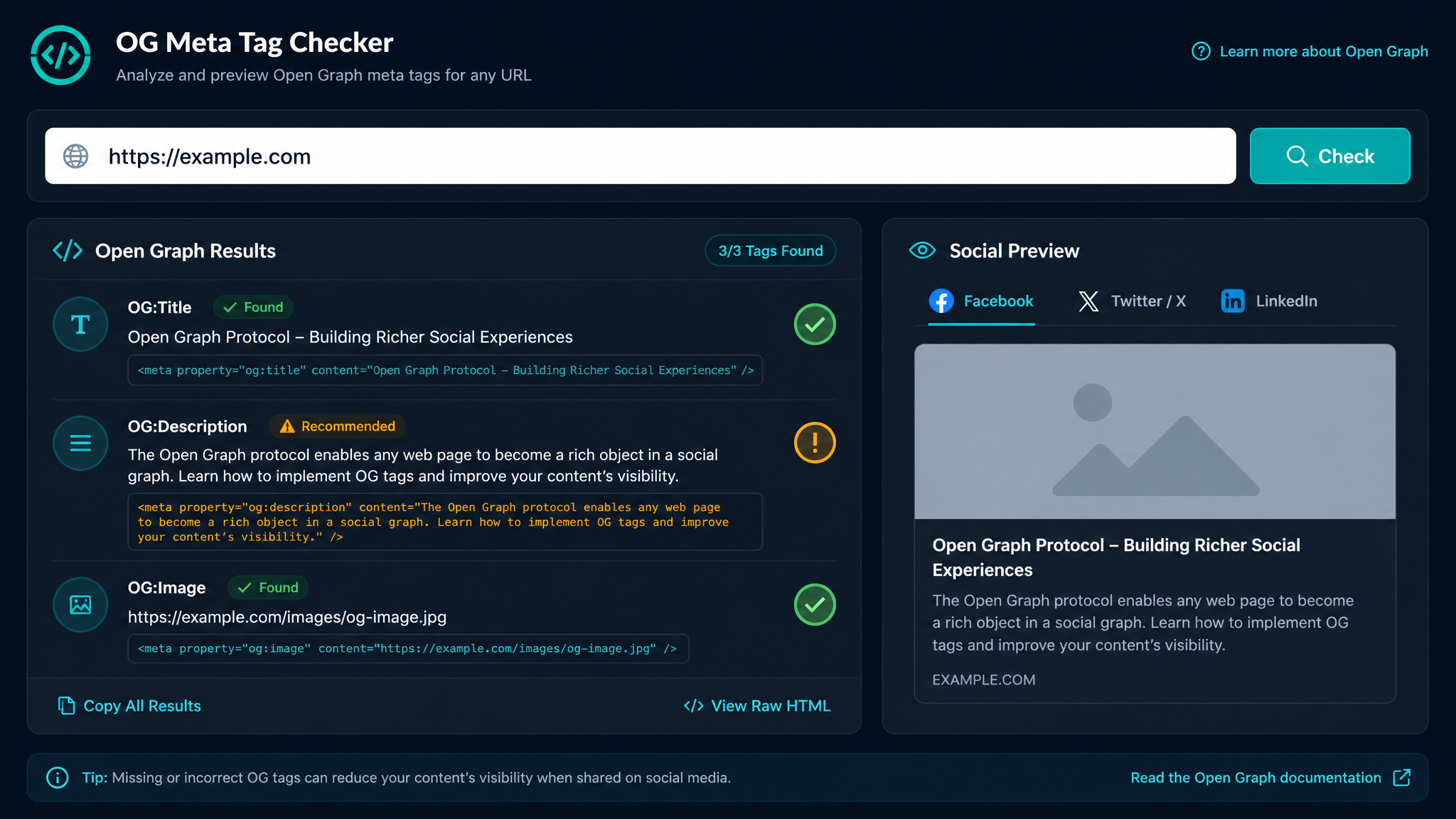
Free ebook: The Free SEO Stack
Keyword research without paying for Ahrefs — the complete guide. Read it online or download the PDF.
100% free · No spam · Unsubscribe any time
Ever written the perfect blog post, only to share it on Facebook and watch it transform into a digital dog's dinner? If your headlines look like they’ve been chopped by a bored butcher, or your preview images are stuck on “mystery meat”, you need to check your OG meta tags.
In this guide, you’ll discover what an OG meta tag is, how a mata tag analyser saves your bacon (and your clickthrough rate), and how to actually check, test, and fix your meta tags before they become an expensive mistake. Spoiler: it’s simpler than most people think.
What Are OG Meta Tags (And Why Care)?
Here's what most people miss: OG meta tags—short for Open Graph meta tags—are the secret instructions that tell Facebook, Twitter, and LinkedIn what to show when someone shares your link. Think of them as your website’s "dress code" for social media. No tags? You’re turning up in pyjamas. Wrong tags? You’re wearing clown shoes with a tux.
OG meta tags control:
If you want more than three clicks and a sympathy like from your mum, getting OG tags right is non-negotiable.
How to Check Meta Tags of a Website (The Smart Way)
Bet you didn’t realise: manually checking meta tags by peering at your site’s code is about as fun as alphabetising your sock drawer. And just as error-prone.
Here’s the punchy way to check OG meta tags and other meta info:
Worked Example: How a Mata Tag Analyser Actually Saves You
Let’s say you’ve written “10 SEO Tools That Actually Work” and want it to shine.
10 SEO Tools That Actually Work10 SEO Tools That Actually Work (2024 Edition)Discover the top SEO tools that deliver real results. No fluff, just actionable picks. Updated for 2024.You pop your URL into the KeywordNumbers meta tag analyser. It spits out:
| Tag Type | Value |
|---|---|
| Title | 10 SEO Tools That Actually Work |
| OG Title | 10 SEO Tools That Actually Work (2024 Edition) |
| Description | Discover the top SEO tools... |
| OG Image | https://your-site.com/images/seo-tools.png |
Now you see: your OG title is longer than 60 characters (about 70 for this one). Facebook might truncate it, but you can adjust before anyone else sees. You also spot your OG image is crisp, not a pixelated mess. Metric or imperial, the measurement is simple: if your OG image is 1200x630 pixels (about 47x25 inches, if you’re feeling retro), you’re golden.
Why Use a Mata Tag Analyser Instead of Guesswork?
Think of a mata tag analyser as a MOT for your meta tags. Sure, you could just hope your car (site preview) won’t explode, but why risk it?
If you’re serious about SEO or social clickthroughs, give your URL a quick health check with a reliable meta tag analyser before you share it anywhere.
How to Test OG Meta Tags (Without Losing Your Mind)
Here’s the step-by-step for the meta-obsessed:
og:title (Should summarise the page. 60-70 characters is safe.)og:description (Aim for 110-160 characters. Enough to tease, not bore.)og:image (Ideally 1200x630 pixels. That’s about 47x25 inches for the imperial crowd.)Pro tip: Don’t rely on “but it looks fine on my browser.” Social platforms cache like dragons—use a dedicated analyser to see what’s really being served.
Questions People Are Actually Asking
How to check meta tags of a website?
Easiest way? Paste your URL into a meta tag analyser. It’ll fetch and display all your meta tags—OG, Twitter, title, description—without you wading through code.
How to check meta tags on website?
If you want to check meta tags for any website (yours or someone else’s), just use an online meta tag analyser. You’ll see at a glance what tags are present, missing, or need fixing.
How to do meta tags?
You add meta tags by editing your site’s HTML, usually inside the section. For OG tags, it looks like this:
`html
`
If you use WordPress or a site builder, plugins like Yoast or Rank Math make this easy.
How to test og meta tags?
Paste your page’s link into a meta tag analyser. It’ll show you what OG (Open Graph) tags are present and how they’ll appear on social media. Some tools even give you previews for Facebook, Twitter, or LinkedIn.
Where to find meta tag?
Meta tags live in the section of your site’s HTML. But unless you love digging through code, a meta tag analyser fetches them for you automatically. Much less faff.
What are og tags?
OG tags (Open Graph tags) are special meta tags that control how your content appears when shared on social media. They set the title, description, image, and more—making your links look irresistible (or at least less tragic).
How to check tags?
For meta, OG, or Twitter tags, a meta tag analyser is your friend. Paste in the URL, and you’ll see every tag in use—plus warnings if something’s off.
Wrap-Up: Don’t Let Bad Meta Happen to Good Content
You wouldn’t serve a steak without checking it’s cooked, right? Don’t publish or share a link until you’ve checked your OG meta tags. Use a mata tag analyser to catch issues before your audience does. It’s the tiny fix that can save you from digital embarrassment—and boost your SEO and social shares while you’re at it.
Free tools to put this into practice
Reading is one thing — testing your own pages is what moves the needle. Here are the free KeywordNumbers tools that pair best with this guide:
Every one of our free SEO tools is genuinely free to use, with no sign-up required.
Free ebook: The Free SEO Stack
Keyword research without paying for Ahrefs — the complete guide. Read it online or download the PDF.
- Which free tools replace Ahrefs, SEMrush & Moz
- Step-by-step keyword research workflow
- How to find content gaps without paying a penny
- The exact stack KeywordNumbers is built on
100% free · No spam · Unsubscribe any time
Ready to research your keywords?
Try our free keyword tools — no signup required.