Free Word Count Checker: The No-Nonsense Way to Avoid Surprise Word Limits
Print / Save as PDFInsider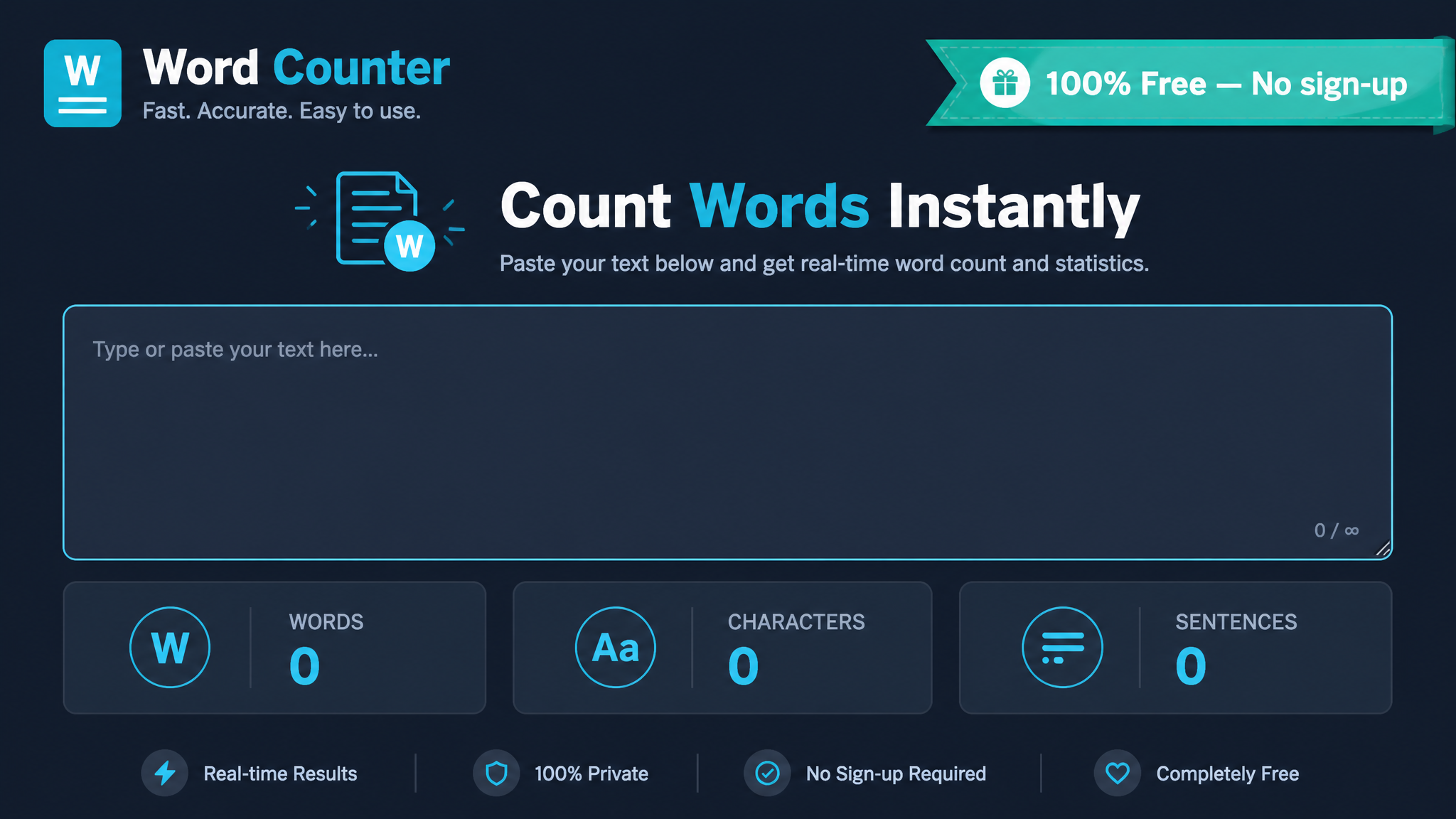
Free ebook: The Free SEO Stack
Keyword research without paying for Ahrefs — the complete guide. Read it online or download the PDF.
100% free · No spam · Unsubscribe any time
Whether you're a caffeine-fuelled content writer, a deadline-dodging student, a marketer, or an over-caffeinated blogger, knowing your exact word and character count is non-negotiable. Like counting the coins in your pocket before you hit the vending machine, you want to know exactly what you’re working with. This guide spills the beans on how a free word count checker works, why those pesky word limits actually matter, and how to use the KeywordNumbers' online word counter for zero-fuss, dead-accurate results.
Why Bother With a Word Count Checker?
Let’s be honest—counting words by hand is about as fun as untangling Christmas lights. Online word counters are your trusty tape measure for writing—they keep you honest and stop you overshooting the runway. Here’s where they shine:
Manual counting? That’s for people with too much time and too few deadlines. A free online word count checker is the shortcut you weren’t told about at school. Fast, accurate, and no risk of counting the same paragraph twice when your eyes glaze over.
How Do Online Word Counters Actually Work?
Here’s what most people miss: a good word counter does more than just tally up words. It’s like a Swiss Army knife for your text, giving you:
Nearly all of them, including KeywordNumbers’ word counter, run straight in your browser. No downloads. No sign-ups. Paste or type your text and—bam—the numbers update before you can say “Ctrl+V”.
Worked Example: Word Count for an Assignment (So You Don’t Get Caught Short)
Got a university essay that needs to be exactly 1,500 words (that’s about 3 pages, unless you’re using 24-point font—don’t get ideas)? Here’s how you’d use a word count checker without breaking a sweat:
Let’s see an example. Take this snippet:
> The rapid growth of digital marketing has transformed the advertising landscape, offering businesses of all sizes unprecedented access to global audiences. However, with increased reach comes increased competition and complexity.
Plug it in and you’ll see:
| Count | |
|---|---|
| Words | 36 |
| Characters | 207 |
| Characters (no spaces) | 172 |
1,500 words? You’re just getting warmed up! Time to add more substance—and maybe a few citations for good measure.
Metric & Imperial Example: Word Limits Don’t Care About Units
Say you’re waxing lyrical about the marathon:
> The marathon distance is 42.195 kilometres (26.219 miles), a feat that challenges runners worldwide.
That’s 17 words. The counter keeps you honest—no risk of accidentally writing a novella when you’re supposed to keep it snappy at 200 words. Kilometres or miles, it’s all the same to the counter—numbers are just numbers.
Key Features: What Separates a Good Word Counter from the Rest
Not all word counters are worth your clicks. Some are the Swiss watch of text tools, others are more… novelty watch from a cereal box. Here’s what you actually want:
KeywordNumbers' free word count checker delivers the lot. That’s why it’s a regular in the bookmarks of writers, marketers, and anyone who hates surprises.
When Does Word Count Actually Matter? (Spoiler: More Often Than You Think)
Word count isn’t just a hoop to jump through—it’s the referee for your content. Here’s where you’ll run into it most:
Questions People Are Actually Asking
How to check word count?
Simple: copy your text, paste it into a free word count checker, and watch the numbers appear like magic. Most online counters even update as you type, so you can see your tally grow (or shrink) in real time.
How to count word count?
You could count every single word yourself… but why? Online word counters do the heavy lifting. Just paste your text and let the tool do the maths. Save your brain cells for more important things—like remembering your deadlines.
How to check word count on Microsoft Word?
Microsoft Word helpfully posts your word count at the bottom left corner of the window. Select a chunk of text if you just want a section’s stats. For the nitty-gritty—characters, paragraphs, and more—click on that number for a full breakdown. No magnifying glass required.
What words are not counted in word count?
Generally, word counters skip:
However, some strict academic or publishing rules might ask you to exclude things like footnotes, references, or tables. Always double-check the fine print—because nothing ruins a submission faster than an unexpected technicality.
Is there a limit to how much text I can check?
Most online word counters can handle thousands of words in one go—enough for essays, reports, or even that novel you keep meaning to finish. KeywordNumbers’ word counter is built for big jobs, so you won’t hit a wall halfway through your magnum opus.
Are online word counters accurate?
Yes—at least the good ones are. They use the classic definition: a word is a sequence of characters separated by whitespace. If you need to impress the nitpickers (looking at you, official applications), check your organisation’s word count rules just to be sure.
Can a word counter help with SEO?
Absolutely. Word count isn’t just bureaucratic fluff—it helps keep your content in the search engine sweet spot. Long-form, detailed pieces often rank higher, but brevity is king for meta tags and titles. Use a word counter to optimise both for humans and the Googlebots.
Conclusion
Let’s call it: a reliable word count checker is the unsung hero of anyone who writes online. Whether you’re cranking out blog posts, wrangling essays, or trimming tweets to fit, the right tool means you hit every target—no second guessing. Want to save time, dodge errors, and make every word pull its weight? Give the free word count checker from KeywordNumbers a spin. Your future self will thank you.
Free tools to put this into practice
Reading is one thing — testing your own pages is what moves the needle. Here are the free KeywordNumbers tools that pair best with this guide:
Every one of our free SEO tools is genuinely free to use, with no sign-up required.
Try the Website Word Counter
Good news — there's now a free tool for exactly this. Give our Website Word Counter a go and put this guide straight into practice.
Free ebook: The Free SEO Stack
Keyword research without paying for Ahrefs — the complete guide. Read it online or download the PDF.
- Which free tools replace Ahrefs, SEMrush & Moz
- Step-by-step keyword research workflow
- How to find content gaps without paying a penny
- The exact stack KeywordNumbers is built on
100% free · No spam · Unsubscribe any time
Ready to research your keywords?
Try our free keyword tools — no signup required.