Ping and Latency Analyser: The Stopwatch for Your Website’s Speed (And Why You Can’t Ignore It)
Print / Save as PDFInsider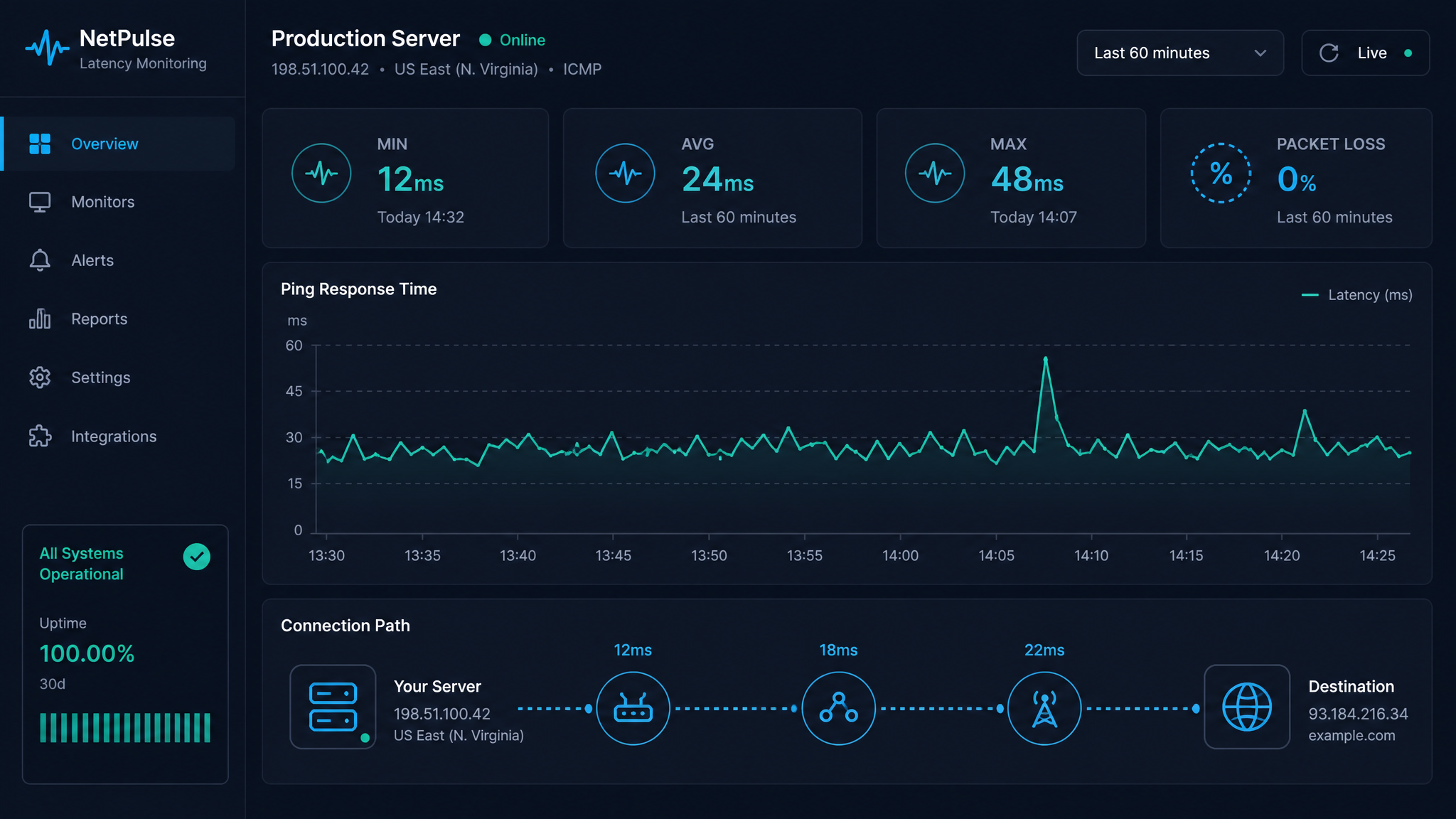
Free ebook: The Free SEO Stack
Keyword research without paying for Ahrefs — the complete guide. Read it online or download the PDF.
100% free · No spam · Unsubscribe any time
If your website was a restaurant, latency is the time it takes from ordering your chips to the waiter plonking them down. Too slow, and your customers start looking for the exits—or in web terms, bounce rates. Google? Think of them as the food critics. They notice, too.
But how do you actually check how fast (or slow) your site is sprinting? Enter: the ping and latency analyser. Let’s cut through the jargon and see why this tool is like a speed gun for your homepage.
What is Ping and Latency? (No, Not a New Law Firm)
First up, the basics:
If your site’s latency is high, your users are left drumming their fingers and muttering about slow websites. That’s bad for experience and for your rankings.
Inside the Ping and Latency Analyser: Your Website’s Personal Stopwatch
Bet you didn’t realise how much a free ping and latency analyser can tell you. Here’s how it earns its keep:
With this, you can spot if delays are your server’s fault, the network’s, or just down to someone’s dodgy Wi-Fi. No more finger-pointing in the dark.
Why Ping and Latency Actually Matter (And Not Just for Techies)
Worked Example: Measuring Ping and Latency (With Real Numbers)
Let’s say you want to know how your UK users fare when pinging your server in New York. You run a test and get:
Here’s how that stacks up:
| Location | Distance (km/mi) | Avg Ping (ms) |
|---|---|---|
| London → New York | 5,570 km / 3,460 mi | 78 |
| London → Paris | 340 km / 211 mi | 12 |
It’s like sending a postcard: the further it goes, the longer the wait. This is why global sites lean on CDNs—content delivery networks—to stash your content closer to users and shave off those extra milliseconds.
How to Check Your Website’s Latency (Old-School and Easy)
There’s two main ways, and neither needs a degree in rocket science:
`
ping yourwebsite.com
`
Tips to Lower Ping and Reduce Latency (No Magic Wand Required)
If your site’s slower than a sloth on a Sunday, try these fixes:
Questions People Are Actually Asking
What is average latency ping?
Average latency ping is the mean time (in milliseconds) it takes for a data packet to go from your device to a server and back again. Lower is always better—think of it as your website’s reaction speed.
What is a good ping latency?
A good ping latency for most websites? Under 50 ms. If you’re gaming or video-calling, go for even lower. Up to 100 ms is still fine, but anything over 150 ms starts to feel like shouting across a canyon (with the delay to match).
How to check latency using ping command?
Fire up your terminal or command prompt, type:
`
ping yourwebsite.com
`
You’ll get a play-by-play of response times. The average is your headline latency number.
How to lower ping and latency?
To bring down your ping and latency:
How to reduce ping latency?
If you want to trim ping latency:
What is ping latency?
Ping latency is the time (in milliseconds) it takes for a message to travel from you to a server and back. It’s the single best test of how quickly your network responds.
What is a good latency ping?
A good latency ping? Under 50 ms for most uses. For games or video calls, the lower the better—ideally, you want it under 30 ms so your moves (or words) land in real time.
Conclusion
Keeping tabs on your website’s ping and latency isn’t just for geeks. It’s how you deliver a site that feels instant, works smoothly, and stays in Google’s good books. Grab a free ping and latency analyser, take it for a spin, and see how quick your site really is. Your visitors (and your rankings) will thank you.
Free tools to put this into practice
Reading is one thing — testing your own pages is what moves the needle. Here are the free KeywordNumbers tools that pair best with this guide:
Every one of our free SEO tools is genuinely free to use, with no sign-up required.
Free ebook: The Free SEO Stack
Keyword research without paying for Ahrefs — the complete guide. Read it online or download the PDF.
- Which free tools replace Ahrefs, SEMrush & Moz
- Step-by-step keyword research workflow
- How to find content gaps without paying a penny
- The exact stack KeywordNumbers is built on
100% free · No spam · Unsubscribe any time
Ready to research your keywords?
Try our free keyword tools — no signup required.