Free tools to boost your SEO strategy
Ping & Latency Test
Check how quickly any website responds. We send several requests and measure the round-trip response time, so you can see the latency, jitter, and consistency real visitors experience.
What this ping & latency test measures
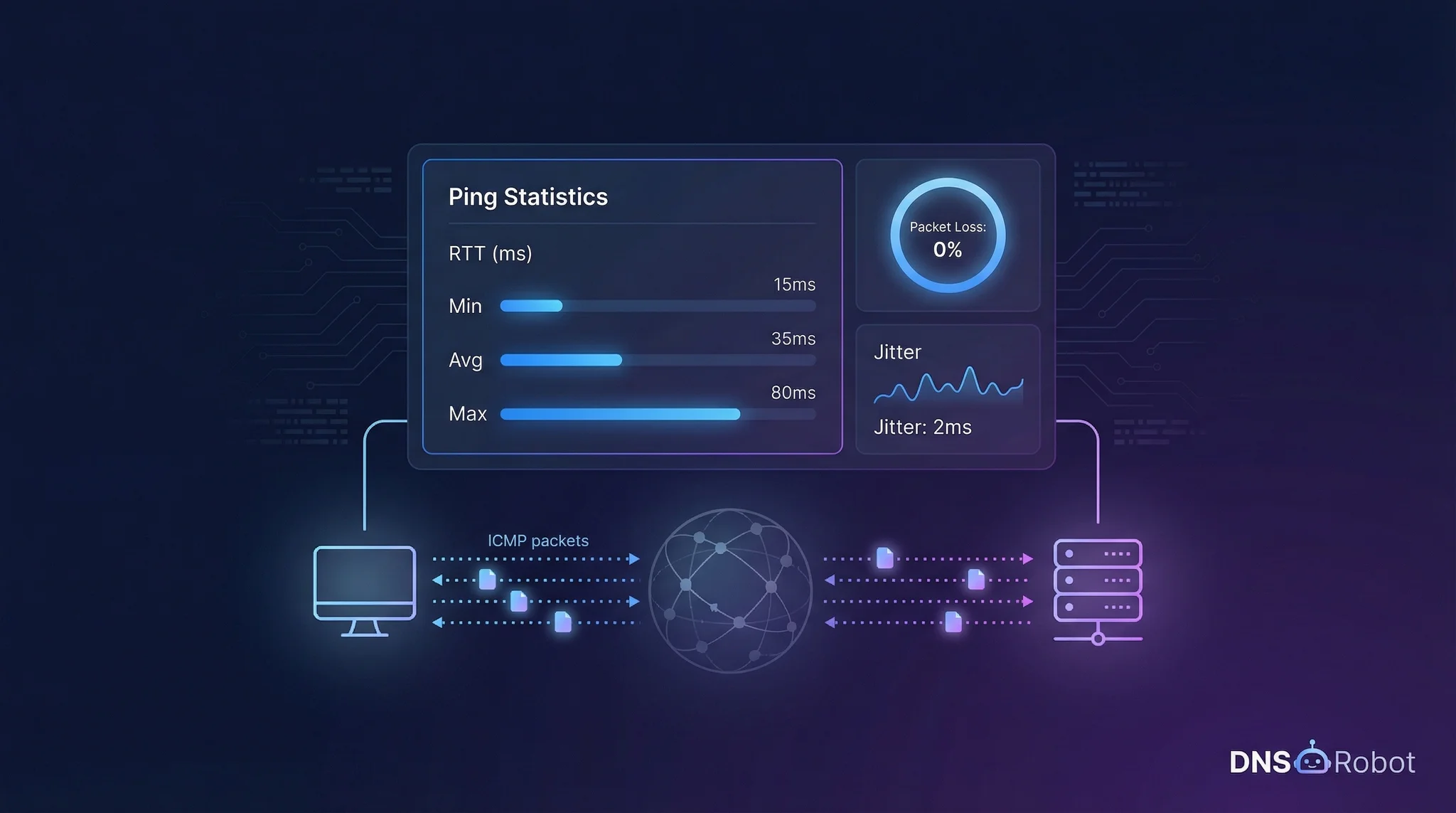
This tool measures website response time — how long a server takes to start responding to a request. We send several requests in a row and report the fastest, slowest, and average latency, plus jitter (how much the response time varies) and how many requests failed to come back.
Because web servers only speak HTTP, this measures real HTTP latency rather than a classic network “ping” (ICMP). For websites this is actually the more useful figure — it reflects the delay your real visitors feel before a page begins to load, which is closely tied to server response time and Core Web Vitals.
As a rough guide: under 100 ms is excellent, under 300 ms is good, and anything consistently above 600 ms is worth investigating — often through better hosting, a CDN, or caching.
Free ebook: The Free SEO Stack
Keyword research without paying for Ahrefs — the complete guide. Read it online or download the PDF.
100% free · No spam · Unsubscribe any time
What is the Ping & Latency Test?
Response time is the first thing a visitor waits for when they open your site — and slow servers quietly cost you traffic and rankings. This free ping and latency test sends several requests to any website and measures how long each one takes to respond, then reports the fastest, slowest, and average response time along with jitter and how many requests failed. It gives you a clear, honest picture of the latency your real visitors experience.
Example: checking whether a new CDN has reduced latency
Before enabling a CDN, your server’s average ping was 185 ms from the UK. After switching on Cloudflare, you re-test and get 28 ms — the CDN’s edge node is much closer to your visitors. That 157 ms saving translates directly into faster Time to First Byte and a snappier experience.
Origin server in the US
Edge node in London
85 % faster response
Key Features
Real Response-Time Measurement
We send several live requests to the website and time how long the server takes to respond, so the figures reflect real conditions rather than a guess.
Min, Max & Average Latency
See your fastest and slowest response times alongside the average, so you understand both typical and worst-case performance.
Jitter & Consistency
Jitter shows how much the response time varies between requests. Low jitter means a stable, predictable experience for visitors.
Failed-Request Detection
If any requests time out or fail to come back, the test reports it as loss — an early warning of an overloaded or unreliable server.
How to Use This Tool
Enter a website
Type any website address, such as example.com — your own site or one you want to benchmark.
Choose how many requests
Pick how many requests to send (4 to 10). More requests give a steadier average and a clearer view of jitter.
Run the test
Click Run Test and the tool sends the requests in sequence, measuring each response time as it goes.
Read the results
Review the average latency and rating, then check the per-request chart, jitter, and loss to see how consistent the site is.
Why This Matters for SEO
Server response time is a core part of how fast a page feels and is closely tied to Google’s Core Web Vitals — a slow-responding server delays everything that follows, pushing up load times and bounce rates. Google has said that reducing server response time improves both user experience and crawl efficiency. Checking latency regularly helps you spot when hosting is struggling, confirm whether a CDN or caching layer is helping, and compare your site against competitors. Consistently low latency keeps visitors engaged and gives search engines a faster, more reliable site to crawl.
Frequently Asked Questions
Related Tools
Each of these does a distinct job — use them together for a complete check.