Free tools to boost your SEO strategy
YouTube Embed Code Generator
Paste any YouTube video link and get clean, ready-to-use embed code for your website — with a responsive option, privacy-enhanced mode, and support for start times. Everything runs in your browser.
Free YouTube Embed Code Generator
Embedding a YouTube video means adding it to your own web page so visitors can watch it without leaving your site. Paste any YouTube link and this tool builds the correct embed code for you. The responsive option makes the video scale neatly on phones and desktops, and privacy-enhanced mode uses YouTube’s no-cookie domain so no tracking cookies are set until someone presses play. Everything happens in your browser — nothing is uploaded.
Free ebook: The Free SEO Stack
Keyword research without paying for Ahrefs — the complete guide. Read it online or download the PDF.
100% free · No spam · Unsubscribe any time
What is the YouTube Embed Code Generator?
Embedding a YouTube video means adding it to your own web page so visitors can watch it without leaving your site. Our free YouTube Embed Code Generator lets you paste any YouTube link and get clean, ready-to-use embed code — with a responsive option, privacy-enhanced mode, and start-time support. Everything runs in your browser; nothing is uploaded.
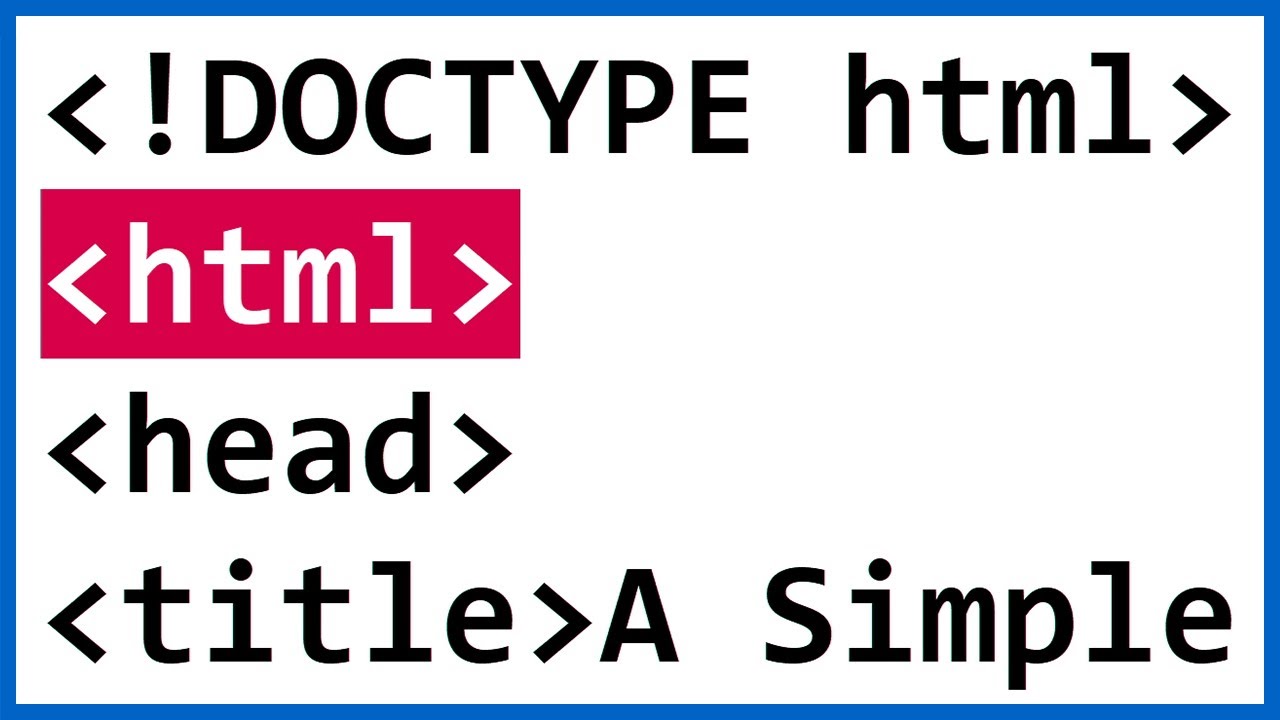
Example: embedding a tutorial video that loads fast
You want to embed a tutorial on your help page without hurting page speed. The generator outputs a responsive iframe with lazy loading enabled, privacy-enhanced mode (youtube-nocookie.com), and custom start time at 0:45 where the actual demo begins. Page load stays fast and GDPR-conscious.
Video loads only when scrolled into view
youtube-nocookie.com domain
Skips the intro automatically
Key Features
Works With Any Link
Paste a standard watch link, a youtu.be short link, a Shorts URL or an embed URL — the tool finds the video automatically.
Responsive by Default
The responsive option produces code that scales neatly to any screen width, so your video looks right on phones and desktops.
Privacy-Enhanced Mode
Uses YouTube’s no-cookie domain so no tracking cookies are set until a visitor presses play — better for privacy and consent banners.
Live Preview & Start Time
See the video preview instantly, keep any start time from the link, and optionally enable muted autoplay before you copy the code.
How to Use This Tool
Paste your YouTube link
Copy the link from YouTube’s address bar or Share button and paste it in — watch, youtu.be, Shorts and embed links all work.
Choose your options
Pick responsive or a fixed size, turn on privacy-enhanced mode, and optionally enable muted autoplay.
Copy the embed code
Check the live preview, then copy the generated code and paste it into your website’s HTML where you want the video to appear.
Why This Matters for SEO
Embedding videos keeps visitors on your page longer and enriches your content, but the default embed code YouTube provides isn’t always responsive and always sets cookies immediately. This generator gives you cleaner code: a responsive wrapper so the video never overflows on mobile, and a privacy-enhanced no-cookie option that helps with GDPR and cookie-consent requirements. Because it runs entirely in your browser, nothing you paste is ever sent to a server.
Frequently Asked Questions
Related Tools
Each of these does a distinct job — use them together for a complete check.